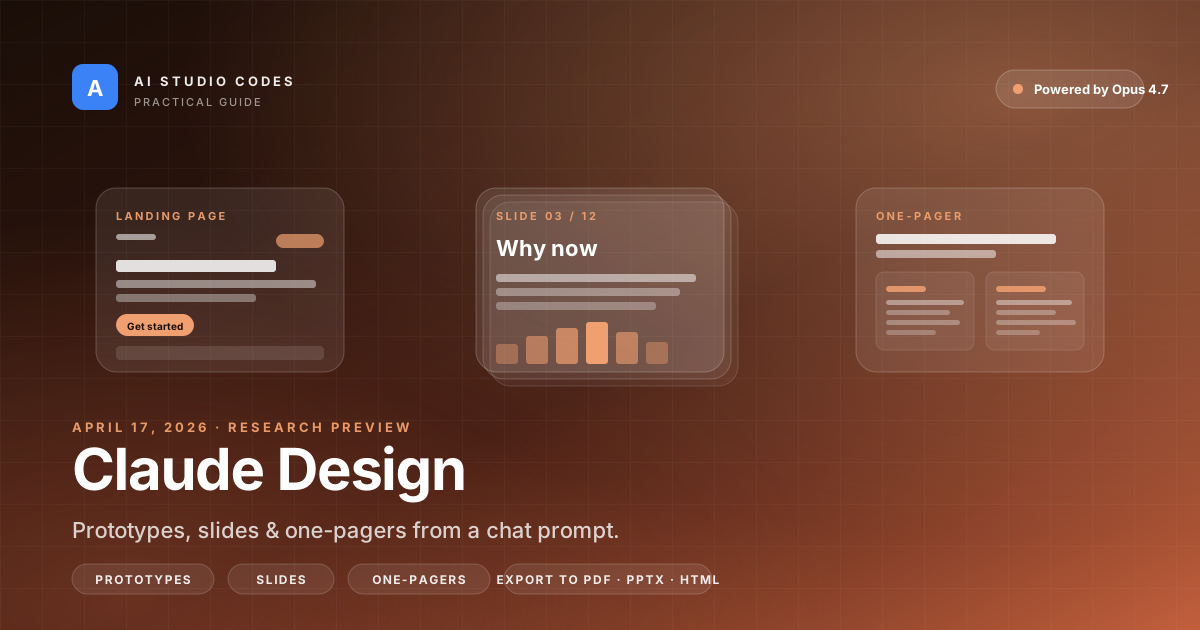
Claude Design is Anthropic's new AI-powered design tool that turns natural-language prompts into prototypes, slides, one-pagers, and landing pages. It runs on Claude Opus 4.7, integrates with your existing codebase and design files, and exports to PDF, PPTX, HTML, and Canva. This guide covers everything from getting started to advanced workflows — with real examples from the community.
Anthropic's most capable vision model drives the design generation.
PDF, PPTX, standalone HTML, and direct Canva integration.
Available on Pro ($20/mo), Max, Team, and Enterprise plans.
Still in preview — expect improvements and occasional rough edges.
- 1Claude Design generates prototypes, slides, and one-pagers from text prompts — no design tools needed.
- 2It reads your codebase and design files to build a custom design system automatically.
- 3You can export to PDF, PPTX, HTML, or Canva, and hand off directly to Claude Code for implementation.
- 4Available on Pro, Max, Team, and Enterprise plans as a research preview.
What Is Claude Design?
Claude Design is a visual design tool built into claude.ai that lets you create designs by describing what you want in plain English.
Think of it as having a design assistant that can:
- Generate landing pages, prototypes, and UI mockups from a text description
- Create slide decks and presentations for pitches or internal reviews
- Build one-pagers and marketing assets with proper layout and typography
- Read your existing codebase or Figma files and match your brand automatically
It was built by Anthropic Labs and launched on April 17, 2026 as a research preview. It runs on Claude Opus 4.7, Anthropic's most capable vision model.
You access it through the palette icon in the left sidebar on claude.ai. It has its own usage allowance that's separate from your regular Claude chat limits.
Introducing Claude Design by Anthropic Labs: make prototypes, slides, and one-pagers by talking to Claude. Powered by Claude Opus 4.7, our most capable vision model. Available in research preview on the Pro, Max, Team, and Enterprise plans, rolling out throughout the day.
— Claude (@claudeai) April 17, 2026
“Make prototypes, slides, and one-pagers by talking to Claude. Powered by Claude Opus 4.7, our most capable vision model.”
How to Use Claude Design: Step by Step
Here's how to go from zero to a finished design in Claude Design.
Prerequisites
- A Claude Pro ($20/month), Max ($100-200/month), Team, or Enterprise subscription
- Go to claude.ai and log in
- Click the palette icon in the left navigation sidebar
Step 1: Describe What You Want
Start with a clear, specific prompt. The more context you give, the better the output.
❌ Bad prompt: "Make me a landing page"
✅ Good prompt: "Create a landing page for a SaaS analytics tool called TrafficClaw. Dark theme, modern design, hero section with a tagline about real-time website analytics, pricing section with 3 tiers, and a testimonials section."
Step 2: Refine with Conversation
Claude will generate an initial design. From here you can:
- Chat to iterate: "Make the hero section taller and add a gradient background"
- Use inline comments: Click on specific parts of the design and leave feedback
- Direct edit: Modify text, colors, or layout elements directly
- Use AI-generated controls: Claude sometimes creates sliders and toggles for quick adjustments
Step 3: Set Up a Design System (Optional but Powerful)
This is where Claude Design gets seriously useful for teams:
- Upload your codebase — Claude reads your existing components, colors, and typography
- Upload Figma files or brand guidelines — It extracts your design tokens
- Let Claude generate a design system — It creates a consistent set of rules for all future designs
Once set up, every new design automatically uses your brand's colors, fonts, and component patterns.
Step 4: Export Your Work
When you're happy with the result, export it:
- PDF — For sharing and printing
- PPTX — Opens directly in PowerPoint or Google Slides
- HTML — A standalone web page you can deploy immediately
- Canva — Opens in Canva for further collaborative editing
Step 5: Hand Off to Claude Code
You can package your design into a handoff bundle and send it directly to Claude Code for implementation. Instead of screenshot-based handoffs, the developer gets structured design data.
- Start with a specific, detailed prompt — include audience, tone, and layout preferences
- Iterate through conversation, not from scratch — refine rather than regenerate
- Set up a design system if you plan to create multiple related designs
- Use the Claude Code handoff for the fastest path from design to working code
What People Are Actually Building With It
Within hours of launch, people started sharing what they built. Here are some of the most interesting examples.
Award-Winning Website Prototypes
@viktoroddy on Twitter posted an 18-minute tutorial on building animated, award-winning website designs with Claude Design. The tutorial showed how to combine Claude Design with Opus 4.7 to get polished, interactive prototypes in minutes rather than hours.
Sprite-Based Animations
@riku720720 on Twitter demonstrated Claude Design generating a sprite-based animation about Nintendo's history — complete with text animations, brand-appropriate colors, and fonts. This showed Claude Design isn't limited to static layouts.
Full-Stack App Prototyping
Developers on Reddit reported using Claude Design to prototype entire app interfaces, then handing the output to Claude Code for implementation. The most common workflow: prompt → prototype → design system → code handoff → working app, all within the Claude ecosystem.
Pitch Decks and Presentations
Founders shared examples of generating investor pitch decks from bullet points. The design system feature means you set your brand once, and every slide automatically matches your visual identity.
The Common Thread
The projects that worked best all had one thing in common: specific, context-rich prompts. People who gave Claude Design detailed instructions about audience, brand, and layout got dramatically better results than those who started with vague requests.
Claude Design is insane. ❤️🔥Just recorded a 18-min tutorial on how to build animated, award-winning websites with Claude Design + Opus...
— Viktor (@viktoroddy) April 18, 2026
What the Community Is Saying
The community response fell into three clear themes.
What People Love
Speed to prototype. The most consistent praise was about going from idea to visual output in minutes. Designers, founders, and developers all noted that the tool dramatically compressed the "first draft" phase.
The design system integration. Multiple Reddit users highlighted this as the feature that separates Claude Design from other AI design tools. Being able to upload a codebase and get brand-consistent designs automatically was described as a significant time-saver.
The Claude Code handoff. Developers were excited about the pipeline from design → code. One popular Reddit comment noted that this creates a genuinely new workflow where a single person can go from concept to deployed prototype without switching tools.
What People Are Concerned About
Usage limits on Pro plans. One of the most-discussed critical responses noted that simply setting up a design system consumed a significant portion of the weekly Pro plan allowance.
Stability during peak hours. Several early users reported timeouts and inconsistent quality during the initial rollout — expected for a research preview, but frustrating for evaluation.
Is it replacing designers? The consensus from professional designers: Claude Design is excellent for first drafts and exploration, but production-quality brand work still needs human oversight.
Surprising Use Cases People Discovered
- Generating animated, interactive content (not just static mockups)
- Creating documentation layouts from README files
- Building email templates that match an existing design system
- Rapid A/B test variant generation — same content, different layouts, in seconds
- Strongest praise: prototype speed and the design system integration
- Biggest concern: usage limits and whether iterative design is sustainable on current plans
- Professional designers see it as a powerful starting point, not a full replacement
Tips, Tricks, and Best Practices
Based on community feedback and early adopter experiences, here's how to get the best results.
Use Structured Prompts
Claude Design responds well to organized input. Use this template:
Context: [What this is for and who will see it]
Goal: [What you want the design to achieve]
Style: [Visual tone — modern, minimal, bold, corporate, etc.]
Content: [The actual text, sections, and data to include]
Constraints: [Must-haves like dark mode, mobile-responsive, brand colors]
Set Up CLAUDE.md for Consistency
Create a CLAUDE.md file in your project root with your design tokens (colors, fonts, spacing), component naming conventions, and layout rules (grid system, breakpoints). Claude Design will reference this automatically.
Iterate, Don't Regenerate
The biggest mistake new users make is starting over when the first output isn't perfect. Instead:
- Accept the initial structure
- Give specific feedback: "Move the CTA above the fold" instead of "make it better"
- Refine section by section rather than asking for a complete redo
Use the Socratic Approach for Complex Projects
For big projects, don't jump straight to generation. Start with:
"I want to design a dashboard for [product]. Here is my design system. First, read these files, then ask me 3 clarifying questions before you begin."
Watch Your Token Budget
- Design system setup is expensive — do it once and reuse
- Simple refinements cost less than regenerating from scratch
- Batch related design work into a single session
- Consider the Max plan if you're doing heavy design work daily
“Treat Claude as a highly intelligent junior designer who has access to all your files. The quality of results scales directly with the quality of the system you provide.”
The Verdict: Should You Use Claude Design?
Yes, if you need fast visual prototypes and are comfortable with a research preview. Claude Design is the strongest AI design tool we've tested for going from text prompt to usable visual output. The design system integration and Claude Code handoff create a workflow that genuinely didn't exist before.
It's not a Figma replacement. It's a speed layer that sits before Figma in your workflow — or replaces it entirely for projects where "good enough, fast" beats "pixel-perfect, slow."
- ✅ Use it if: You need quick prototypes for pitches, demos, or internal reviews
- ✅ Use it if: You want consistent brand design across multiple assets without manual work
- ✅ Use it if: You're a developer who wants to go from idea → design → code in one tool
- ✅ Use it if: You're a founder or PM who needs visual assets but doesn't have a designer
- ⏭️ Skip it if: You need pixel-perfect, production-ready brand design (use Figma)
- ⏭️ Skip it if: You're on the free plan (requires Pro or above)
- ⏭️ Skip it if: You need high-volume iterative design and are budget-sensitive on token costs
All Sources and References
Official Sources
- Anthropic News — Official product announcement, April 17, 2026
- Claude.ai — Access Claude Design through the palette icon in the sidebar
Community Discussions
- r/ClaudeAI on Reddit — Main discussion threads with user experiences
- @viktoroddy's tutorial — 18-min video on building animated websites
- @riku720720's animation demo — Nintendo history sprite animation
- @claudeai launch tweet — The original viral announcement
Coverage
- The Register — Feature analysis
- Fast Company — Design system capabilities
- Gizmodo — Product overview
Frequently asked questions
How do I access Claude Design?↓
Log in to claude.ai with a Pro, Max, Team, or Enterprise subscription. Click the palette icon in the left sidebar. Claude Design has its own usage allowance separate from regular chat.
Does Claude Design work on the free plan?↓
No. Claude Design requires a paid subscription — Pro ($20/month) at minimum. It's available on Pro, Max, Team, and Enterprise plans.
Can I export my designs to Figma?↓
Not directly. Claude Design exports to PDF, PPTX, standalone HTML, and Canva. For Figma workflows, export to HTML and use it as a reference, or hand off to Claude Code.
How is Claude Design different from other AI design tools?↓
The key differentiators are the design system integration (it reads your codebase and brand files) and the Claude Code handoff (designs go directly to implementation). Most competitors generate static images; Claude Design produces interactive, exportable artifacts.
Does using Claude Design count against my regular Claude usage?↓
Claude Design has its own weekly usage allowance that operates separately from standard chat or Claude Code limits. However, heavy design system setup and iteration can still consume significant resources.
Can Claude Design replace my designer?↓
For first drafts, prototypes, and rapid exploration — it handles a lot of that work. For production-quality brand design and pixel-perfect UI, you'll still want a professional designer to review and refine.
What's the best way to get good results from Claude Design?↓
Use structured prompts with context, goal, style, content, and constraints clearly separated. Set up a CLAUDE.md file with your design tokens. Iterate on outputs rather than regenerating from scratch.
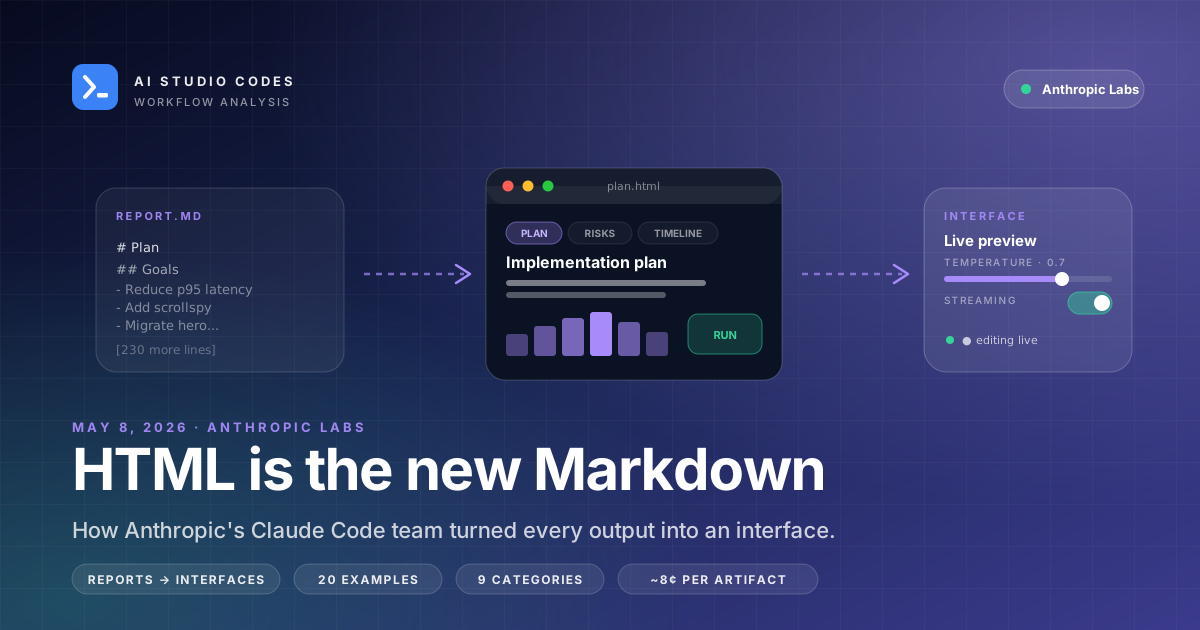
HTML Is the New Markdown: How Anthropic's Claude Code Team Reframed AI Output
Markdown won the LLM format war by being simple, portable, and predating agents. But Claude Code's engineering lead just argued the era is ending: agents now produce 200-line plans, code reviews, and reports that are unreadable as plain prose. His proposed default — generate HTML, not Markdown — has been adopted by Simon Willison within hours. We unpack the thesis, the 20-example gallery, the cost math, and the workflows people are already using.
Try Claude Design today
Open claude.ai, click the palette icon, and start with a specific prompt. Set up your design system once, and every future design will match your brand automatically.