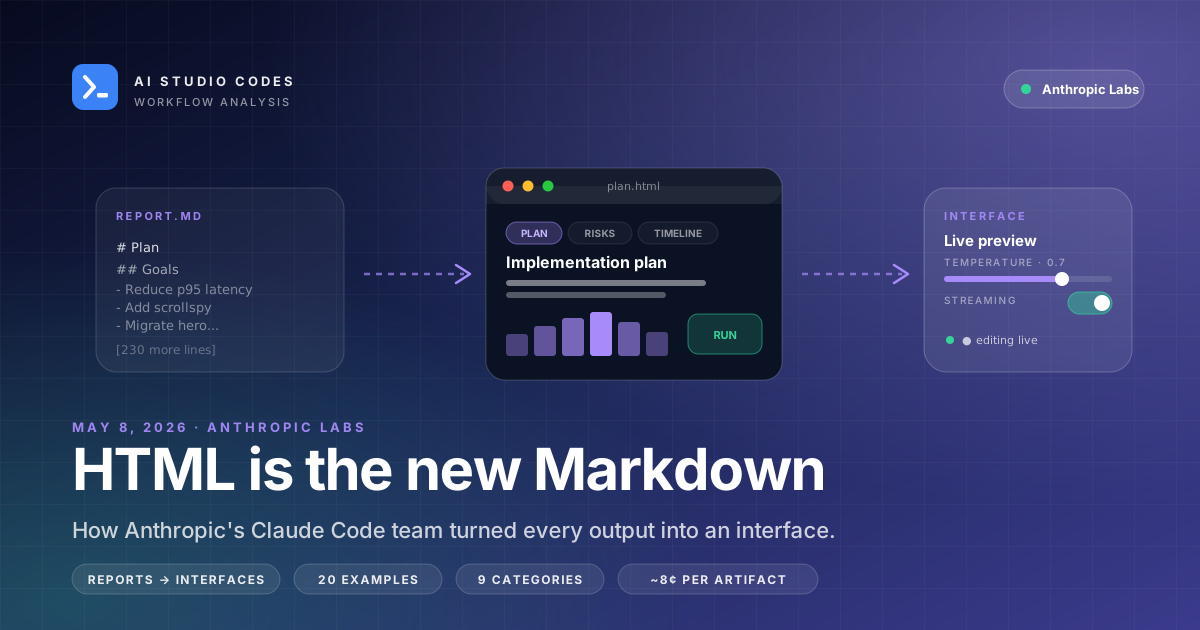
Thariq Shihipar's argument is short: long agent outputs in Markdown are reports — read once, often abandoned past line 15. The same content rendered as a single self-contained HTML file becomes an interface — tabbed, filterable, navigable, sometimes interactive — and gets used. He published 20 worked examples across 9 categories. Simon Willison adopted the technique the same day. Community testing reports HTML wins ~17 of 20 head-to-head comparisons against Markdown for human-facing outputs. The cost: 2–4× more output tokens, roughly 8 cents per artifact on Claude Opus 4.7.
Thariq Shihipar (@trq212), engineering lead on Claude Code at Anthropic, on X.
Self-contained HTML files across 9 categories — planning, review, design, diagrams, slides, reports, editors, exploration, presentations.
Independent head-to-head comparison by Chew Loong Nian (Medium, May 2026); HTML beat Markdown on 17 of 20 example tasks.
On Claude Opus 4.7. HTML uses 2–4× more output tokens than Markdown; the full HTML version still consumes only ~0.5% of the model's context window.
- 1Reports vs interfaces: long Markdown outputs get abandoned past line 15; HTML survives length via tabs, ToC, collapsibles.
- 220 example gallery across 9 categories: Exploration & Planning, Code Review & Understanding, Design, Prototyping, Illustrations & Diagrams, Decks, Research & Learning, Reports, and Custom Editing Interfaces.
- 3Three starter prompts you can paste today — review-as-HTML, six-design-comparison, technical-explainer.
- 4Cost: 2–4× more output tokens, ~8 cents per artifact on Opus 4.7. Materially more expensive but rarely a budget mover.
- 5Markdown still wins for: short configs, READMEs, Slack snippets, RAG corpora, anything diffed in Git or co-edited.
The Pivot Heard Round Tech Twitter
On the morning of May 8, 2026, Thariq Shihipar — engineering lead on Claude Code at Anthropic — posted six words and a link that broke a lot of muscle memory:
"HTML is the new markdown. I've stopped writing markdown files for almost everything and switched to using Claude Code to generate HTML for me. This is why."
The link went to a companion gallery of twenty self-contained HTML artifacts, every one of them generated by Claude Code, every one of them a worked example of a workflow that previously would have produced a Markdown file.
Within hours, Simon Willison — who has been writing some version of "just give me Markdown" into LLM prompts for three years — published a post titled Using Claude Code: The Unreasonable Effectiveness of HTML. He'd switched the same day, walking through a worked example of an explainer for the copy.fail Linux privilege-escalation exploit rendered as a styled, scrollable, internally-navigable HTML page.
The post went on to do 8.7K likes, 1.1K reposts, 11K bookmarks in under 48 hours. "This broke my workflow" became a recurring reply.
The argument is short enough to fit in a paragraph. Long agent outputs in Markdown are reports: read top-to-bottom, then abandoned. The same content rendered as a self-contained HTML file becomes an interface: tabbed, filterable, internally navigable, sometimes interactive — and it gets used.
HTML is the new markdown. I've stopped writing markdown files for almost everything and switched to using Claude Code to generate HTML for me. This is why.
— Thariq (@trq212) May 8, 2026
“Past 100 lines, a Markdown file becomes effectively unreadable.”
Five Things HTML Does That Markdown Can't
Thariq's case for HTML is mechanical, not aesthetic. He lists five concrete advantages the format brings once outputs grow past a certain length.
1. Information density
A single self-contained HTML file can carry tables, SVG diagrams, CSS layout, JavaScript interactivity, and inline images — all in one artifact you can email, drop in Slack, or open offline. Markdown forces the same content to be split across multiple files or rendered through an external tool that the reader has to install.
2. Readability past length
Markdown's structural primitives are headings, lists, and code fences. That works for short documents. Past 100 lines it stops working — readers scroll and lose place because the format gives no spatial signal of where they are.
HTML solves this with patterns Markdown structurally cannot reproduce:
- Sticky tables of contents
- Tabbed sections
- Collapsible
<details> - Sidebar navigation
- Anchored headings with smooth scroll
The document has rooms instead of one long hallway.
3. Sharing without conversion
An HTML file is a URL on disk. It opens in any browser, on any OS, with no toolchain, no preview pane, no Markdown-to-HTML build step, no "please install Obsidian first." That's a real distribution advantage when the audience for an output is not the engineer who prompted it — clients, executives, designers, oncall.
4. Two-way interaction
This is the largest gap. Markdown is a one-way medium: you read it, you maybe edit it, that's the loop. HTML lets agents emit sliders, knobs, toggles, dropdowns, live previews — surfaces where the reader continues the work the agent started.
Reports become interfaces. This is the actual reframing.
5. People read what looks done
Thariq notes a behavioral observation backed by every web product team: formatted documents get read more frequently than unformatted ones. Same content, different completion rate. For agent outputs that compete with Slack threads and email for attention, that delta compounds.
The 20 Examples — Every One, Categorized
Thariq's companion gallery ships 20 self-contained HTML files organized into 9 categories. Each artifact is openable in any browser; each corresponds to a real workflow inside Anthropic. Here's the full inventory.
1. Exploration & Planning (3 examples)
- Three Code Approaches — side-by-side comparison of three ways to solve the same problem, with trade-offs called out inline
- Visual Design Directions — layout and palette options rendered live for interactive review
- Implementation Plan — timeline with milestones, data-flow diagram, mockups, and a risk table on a single page
Why HTML wins: comparing options is a spatial problem. Markdown stacks options vertically; HTML puts them in a grid where the eye actually compares.
2. Code Review & Understanding (3 examples)
- Annotated Pull Request — diff rendered with margin notes, severity tags, and jump links
- PR Writeup for Reviewers — motivation, before/after analysis, file-by-file tour
- Module Map — package diagram with boxes, arrows, and highlighted entry points
Why HTML wins: review is reference-heavy. You want to filter by severity, jump to a file, see the actual code with annotations next to it. None of that is possible in Markdown without a rendering layer.
3. Design (2 examples)
- Living Design System — colors, type scale, and spacing tokens pulled from a repo and rendered as swatches
- Component Variants — every size, state, and intent displayed on a single review sheet
4. Prototyping (2 examples)
- Animation Sandbox — a transition in isolation with duration and easing sliders to tune live
- Clickable Flow — four linked screens for interaction-fidelity testing
Why HTML wins: prototyping requires interaction. A static Markdown spec describing an animation is useless; an HTML page with sliders lets you feel the timing.
5. Illustrations & Diagrams (2 examples)
- SVG Figure Sheet — blog-post diagrams drawn inline, easy to tweak and copy
- Annotated Flowchart — deploy pipeline with clickable steps showing timings and failure paths
6. Decks (1 example)
- Arrow-Key Slide Deck — a short presentation as one HTML file with keyboard navigation
The entire deck is one file. No Keynote, no Google Slides, no template hunt.
7. Research & Learning (2 examples)
- How a Feature Works — TL;DR, collapsible request steps, tabbed config snippets, FAQ section
- Concept Explainer — interactive ring visualization with a comparison table and glossary
This is the category Simon Willison adapted for his copy.fail exploit walkthrough.
8. Reports (2 examples)
- Weekly Status — shipped items, slipped work, and a chart formatted for quick review
- Incident Timeline — post-mortem with a minute-by-minute timeline, log excerpts, and a follow-up checklist
9. Custom Editing Interfaces (3 examples)
The category that surprised people most. The agent doesn't describe the editing tool — it ships the editing tool.
- Ticket Triage Board — drag thirty tickets across priority columns, export as Markdown
- Feature Flag Editor — grouped toggles with dependency warnings and a diff-copy button
- Prompt Tuner — template with variable slots and live-rendering sample inputs
One throwaway file, exactly fit to the task.
In an independent test, Medium author Chew Loong Nian ran all 20 examples head-to-head against a Markdown rewrite of the same prompt. HTML won 17 of 20. The three losses were tasks where the output was meant to be consumed by another agent in a tool-use loop, not by a human.
- Spatial problems (compare options side-by-side) — HTML wins
- Reference-heavy outputs (PR reviews, dashboards) — HTML wins
- Anything past 100 lines — HTML wins
- Interactive workflows (editors, tuners, prototypes) — only HTML works
- Outputs consumed by another agent — Markdown still better
Three Starter Prompts You Can Paste Tomorrow
These three prompts compress most of the technique. They're tuned for Claude Code (or claude.ai) but work with any model that can emit a single self-contained HTML file.
Prompt 1 — PR review as an HTML page
Review this PR. Output a single self-contained HTML file with:

- A top header showing the PR title, author, and a 1-sentence summary
- Three top-of-page tabs: Summary · Issues · Files
- Each issue rendered as a card with: severity (CRITICAL / HIGH / MEDIUM / LOW),
  file path, the offending code in a styled <pre>, suggested fix, and testing notes
- Filter buttons at the top to filter issues by severity
- All styles inline; no external assets; should open standalone in a browser
Use this when reviewing a PR you didn't write — the filter-by-severity surface alone replaces a meaningful chunk of the manual scrolling work.
Prompt 2 — Six visual directions in one grid
I'm designing the empty state for our new Settings page.

Generate a single HTML file showing six distinct visual directions for the
empty state, side by side in a 3x2 grid. Each direction should:

- Be rendered as a real card with realistic spacing, type, and hover
- Include 2-3 sentences of rationale below the card
- Use distinct visual approaches (illustration / typography-only /
  step-by-step / metric-driven / playful / clinical)

At the top, a 1-sentence brief in <header>. All inline styles.
This is the use case that broke the most people on Twitter — "I had a designer meeting tomorrow and Claude shipped me 6 directions in 90 seconds."
Prompt 3 — Technical explainer with rich navigation
Explain this code in detail.

Output a single self-contained HTML file using HTML, CSS, and JavaScript
to make the explanation rich and interactive:

- Sticky table of contents on the left for sections > 200 lines
- Each numbered step as its own anchored section with a smooth-scroll link
- Code blocks with syntax highlighting (Prism inline if needed)
- Collapsible "Gotchas" boxes on tricky steps
- A pattern-analysis table at the bottom listing recurring techniques
- Dark theme; no external assets
This is the prompt Simon Willison adapted for the copy.fail walkthrough. The dark-themed result with collapsible gotchas is the exact format that made the technique go viral.
One general-purpose template
For any output where you'd otherwise default to Markdown:
Do not output Markdown. Generate a single-file HTML report with:
- Executive summary
- Risk levels with color-coded chips
- Collapsible details for each section
- Action items as a checklist with checkboxes
- Inline styles only — should open standalone
Drop this into any planning, status, retro, or research request.
“The distinction is: Markdown is a report. HTML is an interface. Reports are for reading. Interfaces are for continuing the work.”
Where Markdown Still Wins (Thariq's Own Caveats)
The thesis is "HTML is the new Markdown," not "Markdown is dead." Thariq is explicit about contexts where Markdown remains the better default. Skipping these will burn you.
Markdown stays for:
- Repository READMEs. GitHub renders Markdown natively; your readers expect it; raw Markdown shows up cleanly in
cat README.md. - Configuration files (
CLAUDE.md,AGENTS.md,SKILL.md,.cursorrules). These are read by the model, not by humans. The model already parses Markdown's structure cheaply. - Slack and chat snippets. A 12-line code block lives natively in Slack with formatting. Pasting an HTML file as text doesn't.
- RAG corpora and embeddings pipelines. Token-clean, structurally regular Markdown chunks better than HTML's tag soup. If your output is going through an embedding step, stay Markdown.
- Anything diffed in Git or co-edited by humans. HTML diffs are gnarly; Markdown diffs read cleanly in PR review.
- Disposable notes that nobody will iterate on past one read.
The heuristic that emerged in the comments: if the output will be opened in a browser tab once and acted on, generate HTML. If it will live in a repo, in a config, or in a pipeline, stay Markdown.
- ✅ Use HTML: plans, reviews, dashboards, explainers, comparisons, design boards, editors
- ✅ Use HTML: anything past ~100 lines that a human will read
- ✅ Use HTML: outputs that benefit from filtering, tabs, or interactivity
- ⏭️ Stay Markdown: README, CLAUDE.md, SKILL.md, config files
- ⏭️ Stay Markdown: Slack snippets, chat replies, short responses
- ⏭️ Stay Markdown: RAG corpora, embeddings input, diff-heavy collaborative editing
What It Actually Costs
The honest objection: HTML is verbose. Tags, inline styles, the same content wrapped in more characters. Doesn't this blow up your token bill?
Numbers from Thariq's testing, corroborated in independent benchmarks across the community:
Output tokens: 2× to 4× Markdown
A Markdown plan that runs ~600 tokens becomes ~1,800–2,400 tokens as a styled HTML artifact with a sticky ToC, collapsible sections, and a small SVG diagram. That's a real cost increase.
But context-window impact: ~0.5%
On Claude Opus 4.7 (1M context), the full HTML version still consumes about half a percentage point of the available window. The cost lives in output billing, not context budget.
Per-artifact dollar cost: ~8 cents
At May 2026 Opus pricing (~$15 per million output tokens), a typical HTML artifact runs 6–10 cents, with the more elaborate examples (interactive editors, large dashboards) hitting 15–20 cents. Compared to Markdown's 2–3 cents, that's a 3× multiplier.
When the math is wrong
The 3× multiplier is meaningful in two scenarios:
- High-volume agent loops (1,000+ artifacts/day) where the cost compounds materially
- Outputs consumed by another agent that doesn't benefit from rich formatting — pay 3× for nothing
When the math is fine
For most human-facing single-shot outputs — a plan, a review, a report — paying 8 cents instead of 3 cents to get something that actually gets read is overwhelmingly the right trade. Especially when the alternative is the work not happening at all because nobody scrolled past line 15 of the Markdown.
Thariq's own framing: "It is more expensive. It is also more useful, more often. Pick the trade-off that fits the workflow."
Same content, more characters in the wire format.
Of Claude Opus 4.7's 1M-token window per artifact.
Per typical HTML artifact at Opus 4.7 May 2026 pricing.
What People Are Already Building With This
Within 72 hours of Thariq's tweet, a clear set of workflows emerged from the replies, follow-up posts, and screenshots. Some are extensions of his original 20; others are net-new categories the community surfaced.
Daily personal briefings
Marco Kotrotsos wrote about generating an HTML briefing every morning — calendar + Slack catchup + open PRs + priority queue — as a single page he opens once and acts from. Markdown couldn't aggregate all of that legibly.
Client-facing reports
Freelancers and agencies switched immediately. The pitch: "send the client a single .html file they can open in any browser, with charts and an executive summary at the top, no setup." Replaces PDF exports for most cases.
Status dashboards
Eng managers replaced their weekly Markdown updates with HTML pages that include charts of velocity, a filterable list of shipped/blocked items, and a sticky ToC. Same data, dramatically higher completion rate from leadership.
One-off editors and tuners
The category that stuck most. People are generating throwaway HTML editors for specific tasks:
- Prompt tuners with side-by-side preview
- Feature-flag editors with live JSON validation
- CSS-token playgrounds with copy-to-clipboard
- Form-builder previews with sample data
The agent isn't describing the editing tool — it's shipping the editing tool.
Slide decks for talks
Keyboard-navigable slide decks generated from a one-paragraph brief. Replaces the "open Keynote, find a template, copy from last deck" loop.
Interactive technical explainers
The category Simon Willison demonstrated. Long form-explainers of code with collapsible "Gotchas" boxes, anchored steps, and inline syntax highlighting. Replaces the long Markdown post nobody scrolled to the bottom of.
Comparative design boards
Designers use it to evaluate visual directions in parallel. Six empty-state mockups in a grid; six landing-page hero treatments side by side. The grid affordance is what makes evaluation actually possible.
Retro pages
Eng teams generate retros as HTML pages — sticky categories (Went well / Didn't / Try) with team submissions aggregated, color-coded, and filterable by author. The page becomes the artifact for the next planning session.
Should You Switch Today?
Yes — change your default for human-facing long-form output today. The technique is real, the cost is rounding error for most workflows, and the friction is one sentence in a prompt. There's no reason to wait.
But keep two things straight in your head while you switch:
- Don't switch your config files.
CLAUDE.md,AGENTS.md,SKILL.md,README.md— these stay Markdown. They're read by the model, by Git, by GitHub. HTML breaks all three. - Don't switch your agent-to-agent outputs. If your agent emits something that another agent will parse, Markdown is still cheaper, more reliable, and easier to embed.
For everything else — plans, reviews, reports, comparisons, dashboards, explainers, presentations, retros, design boards — try the general-purpose template in section 4 and see if your team starts reading the outputs at higher rates. They will.
The deeper shift is the framing, not the format. "Markdown is a report. HTML is an interface." Once you start asking the agent for an interface, you stop asking for descriptions of work and start asking for the work itself.
- ✅ Switch today: Plans, reviews, status updates, retros, briefings, dashboards
- ✅ Switch today: Side-by-side comparisons, design boards, slide decks
- ✅ Switch today: Long technical explainers (anything > 100 lines)
- ⏭️ Don't switch: README, CLAUDE.md, SKILL.md, .cursorrules
- ⏭️ Don't switch: Slack snippets, chat replies, RAG-bound corpora
- ⏭️ Don't switch: Outputs another agent will parse
All Sources and References
Primary sources
- Thariq Shihipar's launch tweet — May 8, 2026, the post quoted throughout
- Thariq's full thesis tweet — companion post with the gallery link
- The 20-example gallery — every artifact, openable in browser
First-day adopter coverage
- Simon Willison — Using Claude Code: The Unreasonable Effectiveness of HTML — same-day post with the copy.fail exploit walkthrough
- Shakthi Vadakkepat's reaction thread
Deep-dive analyses
- Pasquale Pillitteri — HTML vs Markdown in Claude Code — five-advantages framework, cost analysis, three starter prompts
- StableLearn — Claude Code Should Output HTML, Not Just Markdown — prompt patterns and templates
- Chew Loong Nian — Anthropic's Thariq Stopped Writing Markdown — 17/20 head-to-head test
- Marco Kotrotsos — Writing HTML for Documentation Instead of Markdown — daily-briefing use case
- Rentier Digital — Markdown Was a Mistake for Agent Output — config-file vs output-file distinction
Community discussion
- Devtalk thread — Claude Code, Markdown, and the Case for HTML Artifacts — replies from working developers
Author background
Frequently asked questions
Is this only for Claude Code, or does it work with other models?↓
It works with any model that can emit a single self-contained HTML file. The technique was popularized inside the Claude Code workflow and the gallery uses Claude Opus 4.7, but the underlying idea is format-agnostic. GPT-5, Gemini 2.5, and other current frontier models all handle the prompt patterns here.
Does this make my Claude bill 4× larger?↓
Output tokens roughly 2–4× Markdown for the same content. On Opus 4.7 that's about 8 cents per typical artifact instead of 2–3 cents. For most human-facing single-shot outputs the cost is rounding error. For high-volume agent loops generating 1,000+ artifacts a day, it adds up — keep those Markdown.
Should I rewrite my CLAUDE.md as HTML?↓
No. Configuration files like CLAUDE.md, AGENTS.md, and SKILL.md are read by the model, not by humans. Markdown's tight token footprint and clean structure make it the better default for those files. Thariq is explicit on this in his own caveats.
What about README files?↓
Stay Markdown. GitHub renders Markdown natively, contributors expect it, and `cat README.md` shows readable output in a terminal. HTML READMEs break all three.
Where can I see Thariq's 20 examples?↓
https://thariqs.github.io/html-effectiveness — every example is a self-contained HTML file you can open and inspect. That's the strongest argument for the technique: the artifacts speak for themselves.
What's the simplest way to try this?↓
Take any prompt where you'd ask for a Markdown report and append: "Output a single self-contained HTML file with inline styles. Should open standalone in a browser." That single line is the on-ramp. The full prompts in section 4 give you better defaults once you're committed.
Will Markdown become obsolete?↓
No, and Thariq's own framing rejects that read. Markdown remains the right format for short documents, configs, RAG inputs, Git-diffed content, and agent-to-agent outputs. HTML wins for long human-facing outputs that benefit from navigation, filtering, or interactivity. The shift is about defaults for one specific category, not the death of one format.
Meta Ads MCP and CLI: Manage Facebook & Instagram Campaigns From Claude or ChatGPT
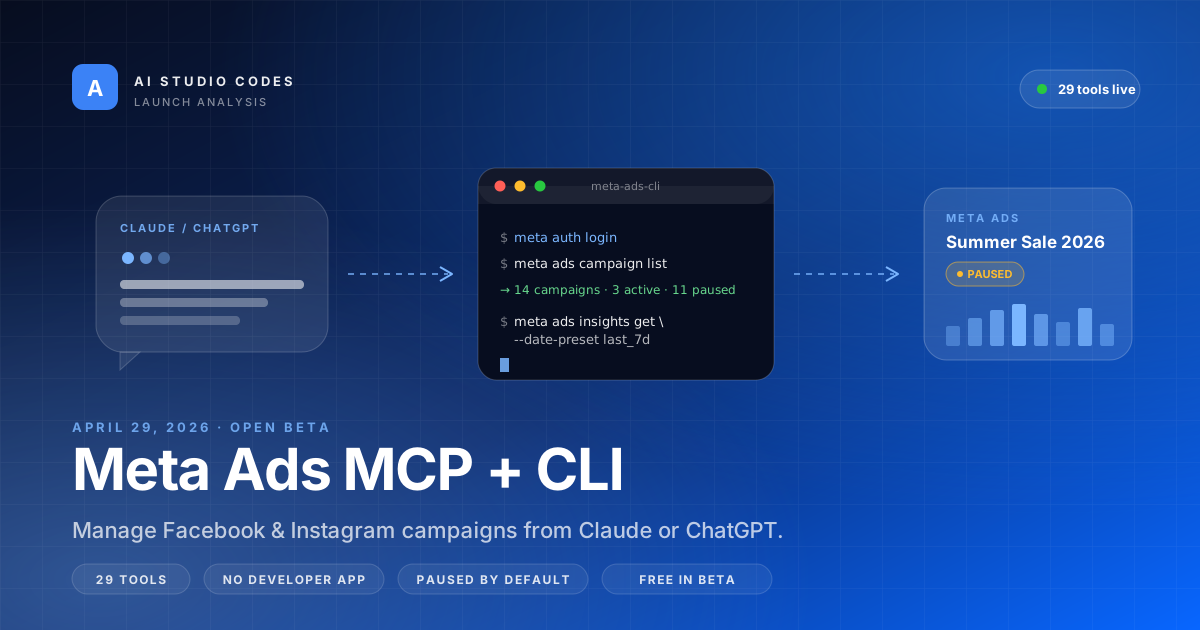
On April 29, 2026 Meta released two official AI connectors for advertisers: an HTTP MCP server at mcp.facebook.com/ads and a local Python CLI. Together they expose 29 Marketing API tools to Claude, ChatGPT, and Claude Code through Meta Business OAuth — no custom Developer App required. This guide walks through what shipped, how to wire it up, what people are already building, and where the rough edges are.
Try the technique today
Take any prompt where you'd default to Markdown and append: "Output a single self-contained HTML file with inline styles, sticky ToC, and collapsible sections. Should open standalone in a browser." Then open the file. The framing change happens in one read.